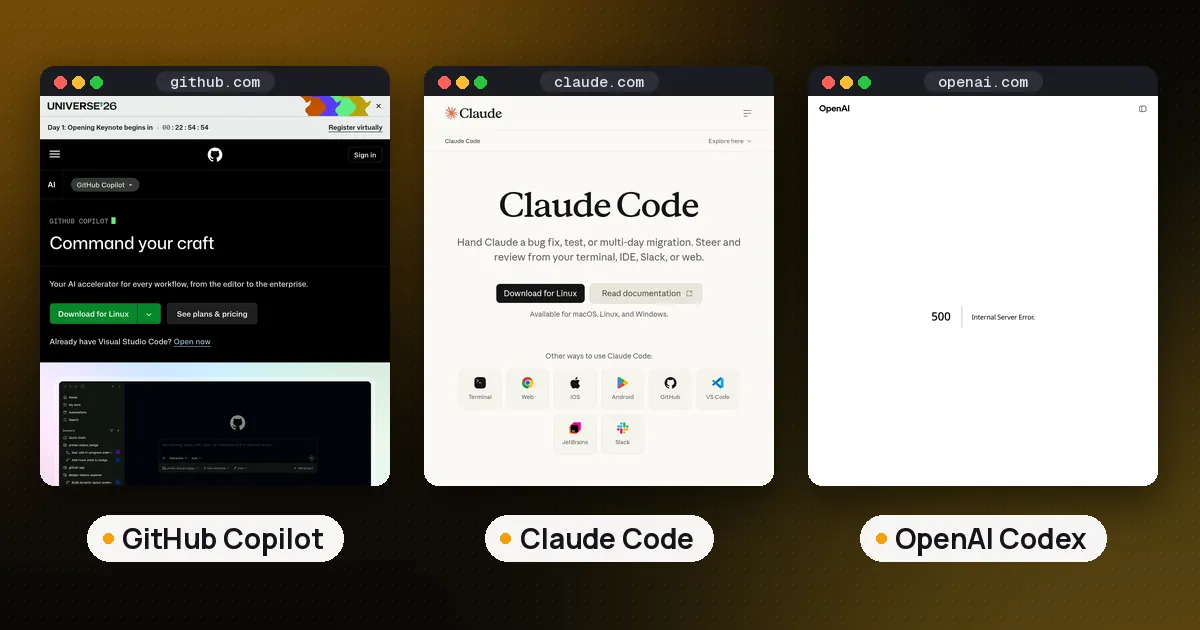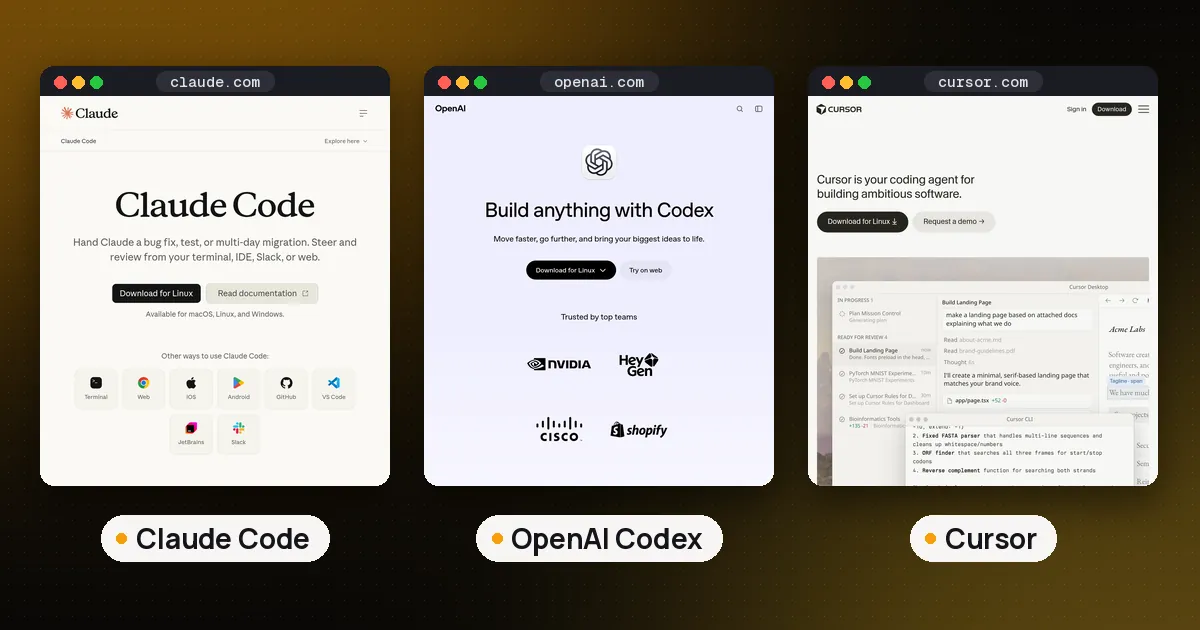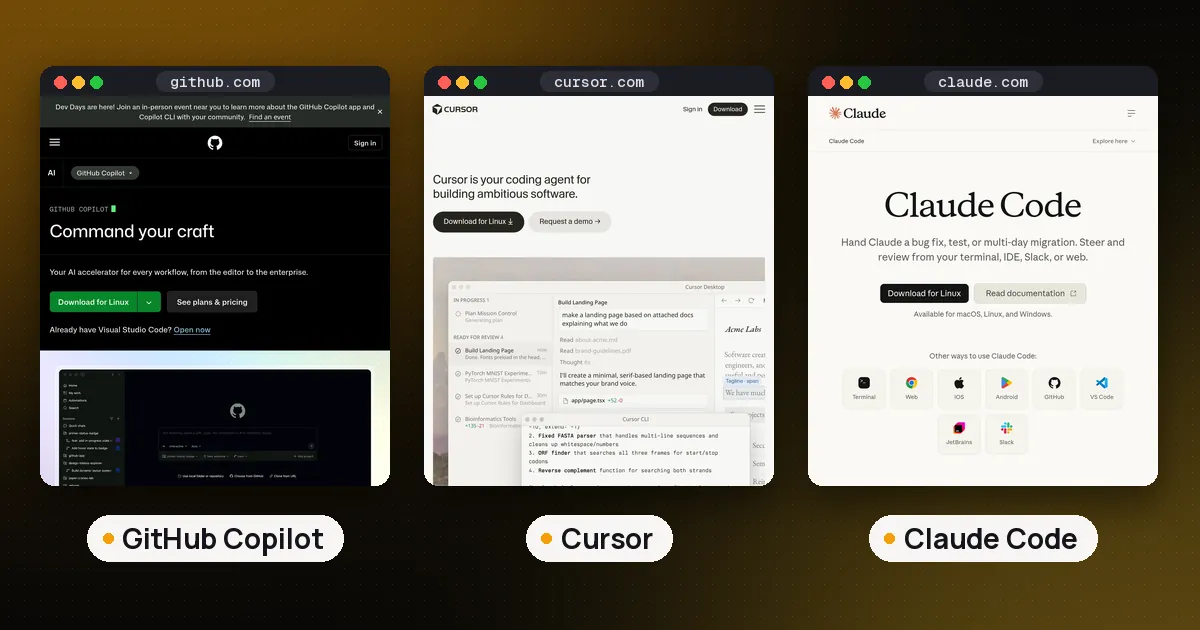
The best AI coding assistant in 2026 depends on how you work. Pick GitHub Copilot if you want autocomplete and agents inside the IDE (and GitHub) you already use, at the lowest paid entry price. Pick Cursor if you want an AI native editor with agents, MCP, skills and cloud agents built in. Pick Claude Code if your main job is multifile refactors, terminal work and CI: an agent that reads the repo, edits files and runs commands. For a free or open source path, start with Aider or Cline; ChatGPT users already get OpenAI Codex CLI.
This guide compares the assistants people actually search for (IDE plugins, AI editors and terminal agents) not model leaderboards. Model quality changes with every release; the product shape (where it runs, how you approve edits, how you pay) changes slower. Prices and plan names below were checked against vendor docs on October 10, 2026, and updated on October 17, 2026.
What's new (October 17, 2026): Cursor is now sold through The X Subscription, so its plans are Free, Plus ($8), Premium ($30), Super ($100) and Ultra ($200), and Plus runs Grok models only, per cursor.com/pricing. In Copilot, Gemini 4 Argon became generally available on October 13, and GitHub will retire Claude Opus 4.8, Claude Opus 5 and GPT-5.6 Terra from Copilot on November 16, 2026, pointing users to Claude Opus 5.5, GPT-6.1 Sol or GPT-6 Luna instead, per the GitHub changelog. Opus 4.8 stays for individual annual subscribers. For open source only picks, see best open source coding agents. For a deep Claude Code / Codex / Gemini CLI compare, see Claude Code vs Codex vs Gemini CLI.
Best AI coding assistants at a glance
| Assistant | Form factor | Best for | Individual entry price |
|---|---|---|---|
| GitHub Copilot | IDE extension + CLI + GitHub | Teams on GitHub; broad IDE support | Free tier; Pro $10/mo |
| Cursor | AI native IDE (VS Code fork) | Daily AI first editing and in editor agents | Free; Plus $8/mo (Grok models only); Premium $30/mo |
| Claude Code | Terminal + IDE + desktop + web | Agentic multifile work and automation | Included in Claude Pro $20/mo |
| OpenAI Codex | Open source CLI + IDE + cloud | ChatGPT subscribers who want an open CLI | Included in ChatGPT plans |
| Aider | Terminal, git centric | Free open source pair programming | Free (you pay model APIs) |
| Cline | VS Code extension (open source) | Approving every edit inside the editor | Free (bring your own keys) |
| Gemini CLI | Terminal (open source) | Google Cloud / paid Gemini API teams | Paid API or Code Assist license |
Spoken plainly: Copilot is the cheapest paid plug in for many IDEs. Cursor rebuilds the editor around agents. Claude Code is the deepest agent loop outside a single IDE. Aider and Cline are the free open source defaults.
GitHub Copilot: best for GitHub native teams
GitHub Copilot is GitHub's AI coding assistant. Official docs describe assistive suggestions as you type, agentic multistep work, customizations (instructions, prompts, MCP, agent skills) and third party agents that can open pull requests for review. Because it lives in GitHub, an issue can become an agent task, return as a PR, get reviewed and merge without moving context into a separate product.
Surfaces: IDE extensions (VS Code, Visual Studio, JetBrains and others), Copilot Chat, Copilot CLI, and GitHub.com / Mobile. Paid plans include code completions that are not billed against AI credits; chat, agents and premium models draw from a monthly GitHub AI Credits allowance. Visual Studio users comparing other options there can read our Copilot alternatives for Visual Studio.
Pricing (individuals, plans docs): Copilot Free and Copilot Student are free with limited credits (Free caps completions at 2,000/month). Copilot Pro is $10/month with 1,500 AI credits. Pro+ is $39/month with 7,000 credits. Max is $100/month with 20,000 credits. Business is $19/user/month; Enterprise is $39/user/month. Extra usage is $0.01 per AI credit. Students, teachers and popular open source maintainers may qualify for free Pro access. Check GitHub's eligibility pages.
Choose Copilot if: your team already lives in GitHub issues and PRs, you need one tool across many IDEs, or you want the lowest paid individual price. For how Copilot uses MCP servers, see our MCP server vs API guide and the build tutorial how to build an MCP server in Python. To try an existing server on your own machine first, see how to run an MCP server locally.
Watch out for: heavy agent use can burn through the credit allowance on Pro; Free is limited to auto model selection. Copilot is strong as a GitHub platform feature, not as a standalone AI IDE.
Cursor: best AI native IDE
Cursor is an AI first code editor (a VS Code fork) with Tab completions, Chat, Composer, Agent, MCP, skills, hooks and cloud agents. The product bet is that the editor itself should be built around agents, not bolted onto a classic IDE.
Pricing (cursor.com/pricing): Since October 12, 2026, Cursor is sold through The X Subscription, which also includes Grok and X Premium features and shares one weekly usage pool across Cursor and Grok. Free has limited agent and Chat requests. Plus is $8/month, but only Grok models are available on it. Premium is $30/month with four times Plus usage and adds cloud agents and automations, AI code reviews with Bugbot, code hosting and third party models (Claude, GPT and others) billed separately at API list prices. Super is $100/month (15 times Plus usage, priority at peak times) and Ultra is $200/month (50 times Plus usage). Teams start at $30/user/month; Enterprise is custom. Existing Cursor subscribers can keep their current plan or switch, per SpaceXAI's announcement.
Choose Cursor if: you want visual diffs, multifile Composer edits and an agent that stays inside the editor all day. Privacy mode can be enabled so code is not used for training.
Watch out for: you switch editors (or run Cursor beside your old one). The $8 Plus plan is cheaper than Copilot Pro but limited to Grok models; if you want Claude or GPT models in Cursor you need Premium ($30) and pay for those models separately. Buy only from the official site. Cursor says subscriptions are sold only through X Subscription Corp and that reseller subscriptions are unauthorized.
Claude Code: best agentic coding assistant
Claude Code is Anthropic's agentic coding tool. Per the overview, the same engine runs in the terminal, VS Code and JetBrains extensions, a desktop app, the web at claude.ai/code and mobile. It reads the codebase, edits across files, runs shell commands with your approval, connects MCP servers, loads agent skills, supports hooks and can run subagents in parallel. Headless claude -p, GitHub Actions and scheduled Routines cover automation.
Install: curl -fsSL https://claude.ai/install.sh | bash (macOS/Linux/WSL), brew install --cask claude-code, or WinGet Anthropic.ClaudeCode. npm install is deprecated.
Pricing (claude.com/pricing): Claude Code is included in paid Claude plans. Pro is $20/month ($17/month billed annually). Max starts at $100/month with 5× or 20× Pro usage. Team and Enterprise seats also include Claude Code. Usage is shared across chat and Claude Code; you can add API credits for heavy sessions.
Choose Claude Code if: you want the deepest multistep agent outside a single IDE, need CI/script automation, or already pay for Claude. Pair it with AGENTS.md / CLAUDE.md guidance so instructions stick across sessions.
Watch out for: the CLI is proprietary. You are on Anthropic's models unless you route through a supported third party provider that still serves Claude. Usage limits are shared with the rest of the Claude product.
Free and open source AI coding assistants
If "best" means lowest cash cost or inspectable code, these are the practical free AI coding assistant options:
- Aider: Apache-2.0 terminal pair programmer. Maps the repo, edits files and auto commits with messages you can review in git. You bring your own model API keys (or a local endpoint). Best when you want git native undo and no IDE lock in.
- Cline: Apache-2.0 VS Code agent that shows diffs and asks before every change. Bring keys for Anthropic, OpenAI, Gemini, OpenRouter, local models and more. Best when you want an open agent inside VS Code with step approval.
- OpenAI Codex: Apache-2.0 CLI on GitHub. Included with ChatGPT plans (or an API key). Native AGENTS.md,
/review, sandboxing andcodex execfor CI. Best if you already pay for ChatGPT and want open code. - Gemini CLI: Apache-2.0 Google terminal agent. Not free for individuals anymore: since June 18, 2026 it stopped serving free, Google AI Pro and Ultra accounts; it still works with paid Gemini API keys, Gemini Enterprise Agent Platform keys and Code Assist Standard/Enterprise licenses (Google announcement, discussion #28017). Best for teams already on Google Cloud. Setup walkthrough: how to use Gemini CLI in terminal. If you pay for Google AI Pro, check is Gemini CLI free for Pro users? before you rely on it.
Full open source roundup: best open source coding agents. For the October 2026 rewrite (shared background service, Code Mode, new plugin API), see OpenCode 2.0.
How to choose: IDE vs agent vs both
Use this decision tree instead of chasing a single ranking:
- Stay in your current IDE across JetBrains / VS / VS Code? → GitHub Copilot.
- Willing to switch to an AI first editor for daily flow? → Cursor.
- Need long multifile tasks, terminal automation or CI? → Claude Code (or Codex if you are on ChatGPT).
- Budget is zero beyond model APIs? → Aider or Cline.
- Team standardized on GitHub Enterprise policies? → Copilot Business/Enterprise first; add a terminal agent later if needed.
Many developers run two tools: Copilot or Cursor for autocomplete and small edits, plus Claude Code or Codex for hard refactors. That is a valid setup, not indecision.
If you want numbers alongside this decision tree, see how the agents behind these tools score on SWE-Bench Pro and Terminal-Bench.
Best AI coding assistant for VS Code
If the question is specifically the best AI coding assistant for VS Code:
- GitHub Copilot: official VS Code extension, Chat, agent mode, MCP and deep GitHub links.
- Cursor, if you are willing to leave stock VS Code for a fork that is AI first (extensions often transfer).
- Cline: open source agent extension with explicit approval on every step.
- Claude Code, VS Code extension plus the CLI; you still need a Claude paid plan.
Stock VS Code + Copilot is the path of least resistance. VS Code + Cline is the open source agent path. Moving to Cursor is the "rebuild the editor" path.
From Ahzy Capital (our own products, labeled as such): Get the free AI Agent Cheat Sheet: 24 copy and paste AI agent setups for 8 types of small business, with prompts and workflows. We make and sell these, so they aren't independent picks.
FAQ
What is the best free AI coding assistant?
Aider and Cline are free and open source; you pay only for model APIs (or run local models). GitHub Copilot Free and Cursor's Free plan give limited access to paid products. Codex CLI is free to install and is included with ChatGPT plans. Gemini CLI is open source but no longer serves free individual Google accounts.
GitHub Copilot vs Cursor: which should I use?
Choose Copilot if you need many IDEs, GitHub native issue to PR workflows, or the $10 Pro price. Choose Cursor if you want an AI native editor with stronger in editor agent UX and MCP/skills/hooks. Cloud agents and third party models start at the $30/month Premium plan; the $8 Plus plan runs Grok models only. They solve overlapping problems with different form factors.
Is Claude Code better than GitHub Copilot?
For autonomous multifile and terminal work, Claude Code is usually the stronger agent. For inline autocomplete across IDEs and GitHub platform features, Copilot wins. They are not direct substitutes; many people use both. For a deeper product shape compare, see GitHub Copilot vs Claude Code.
Do I need a coding agent or just autocomplete?
Autocomplete (Copilot Tab, Cursor Tab) keeps you in flow on small edits. An agent (Claude Code, Cursor Agent, Copilot agent mode, Cline) is better when the task spans many files, needs shell commands or should return a PR. Start with autocomplete; add an agent when you keep repeating the same multistep chores.
Can I use MCP servers with these assistants?
Yes for the main ones: Claude Code (claude mcp add), Cursor (MCP in settings), Copilot (MCP on every plan, including Free), Codex CLI and Gemini CLI. MCP is how assistants call external tools and data; see MCP server vs API and how to build an MCP server in Python.
Should beginners start with Copilot or an open source agent?
Beginners who want the fewest moving parts should start with Copilot Free or Cursor's Free plan inside a familiar editor. Beginners who want to learn how agents edit files and run commands should try Aider or Cline with a cheap model key, where every step is visible and reversible in git or diffs.